


 2
2
Users are now able to view emails that were blocked by our system before reaching their inbox. As part of this process, all employees should begin to receive email notices that look like the screenshot below with information about the blocked messages and actions that can be taken.
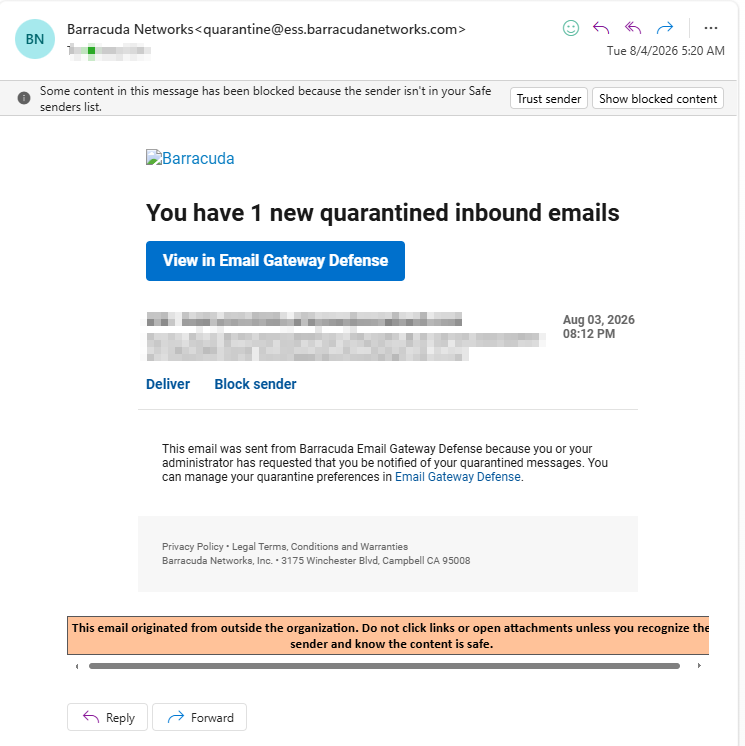
These emails will come from: [email protected]
Be careful to check the sender on these messages matches the sender above, fake quarantine notifications are an extremely common phishing tactic.
When clicking the View in Email Gateway Defense button it will take you: https://us.ess.barracudanetworks.com/webui/message-log where you login with your Single Sign On (SSO) account which is the same as your computer/BambooHR/KnowB4 login.
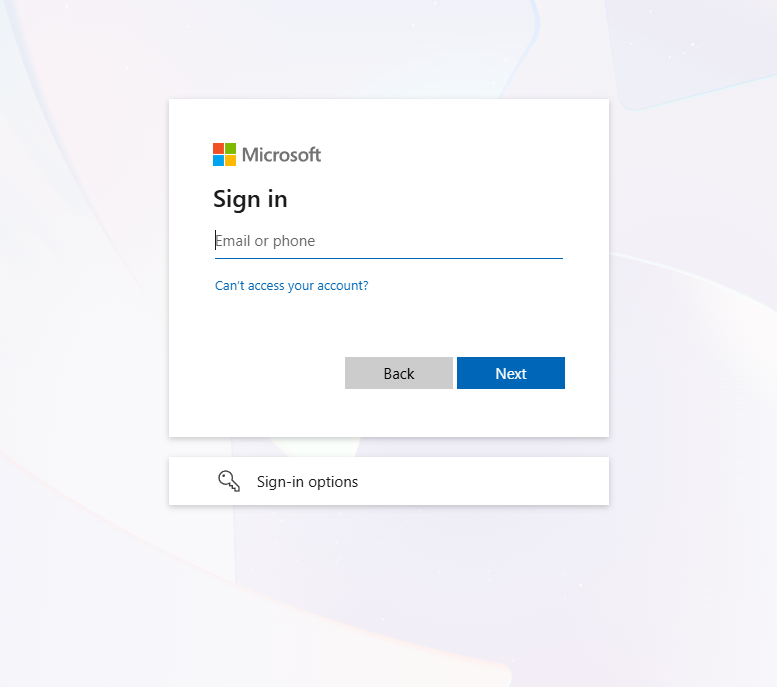
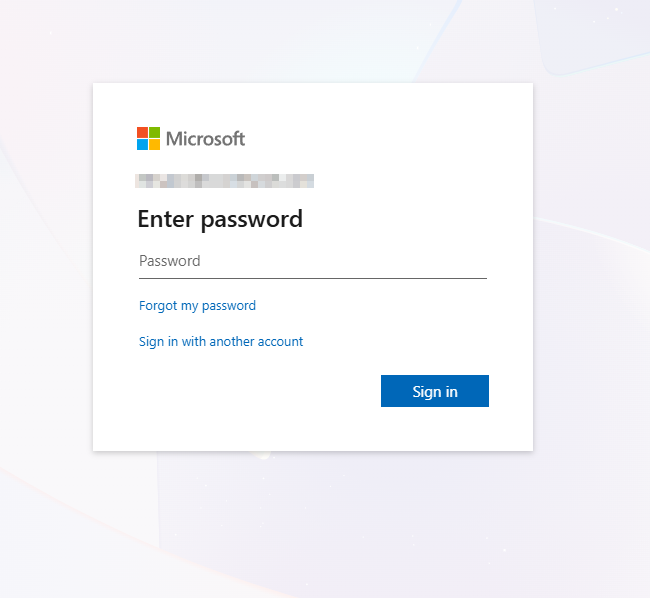
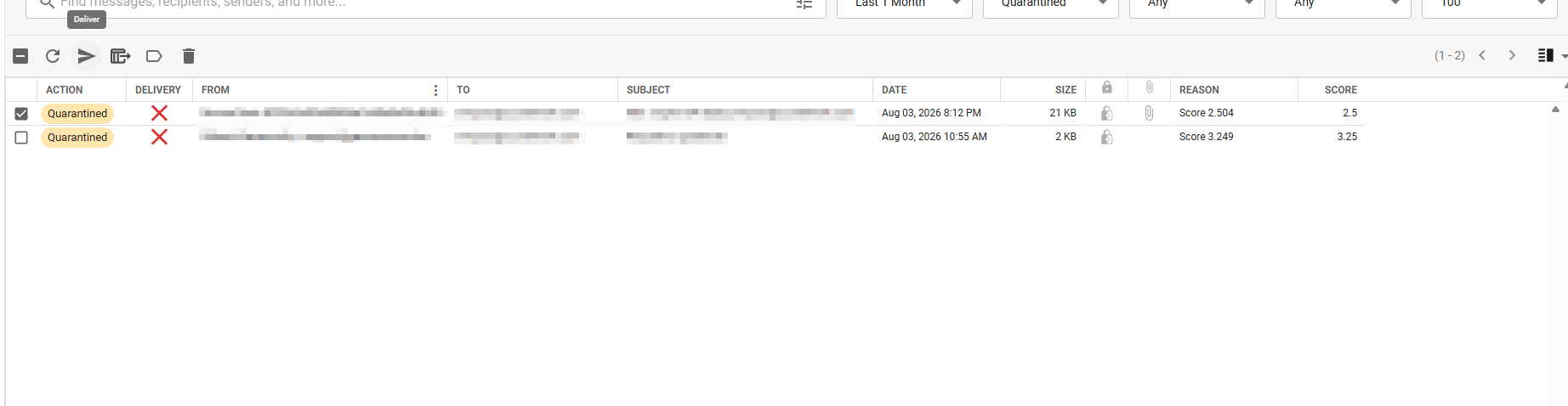
Once you login using your SSO account, you'll be able to see your message log as seen below.
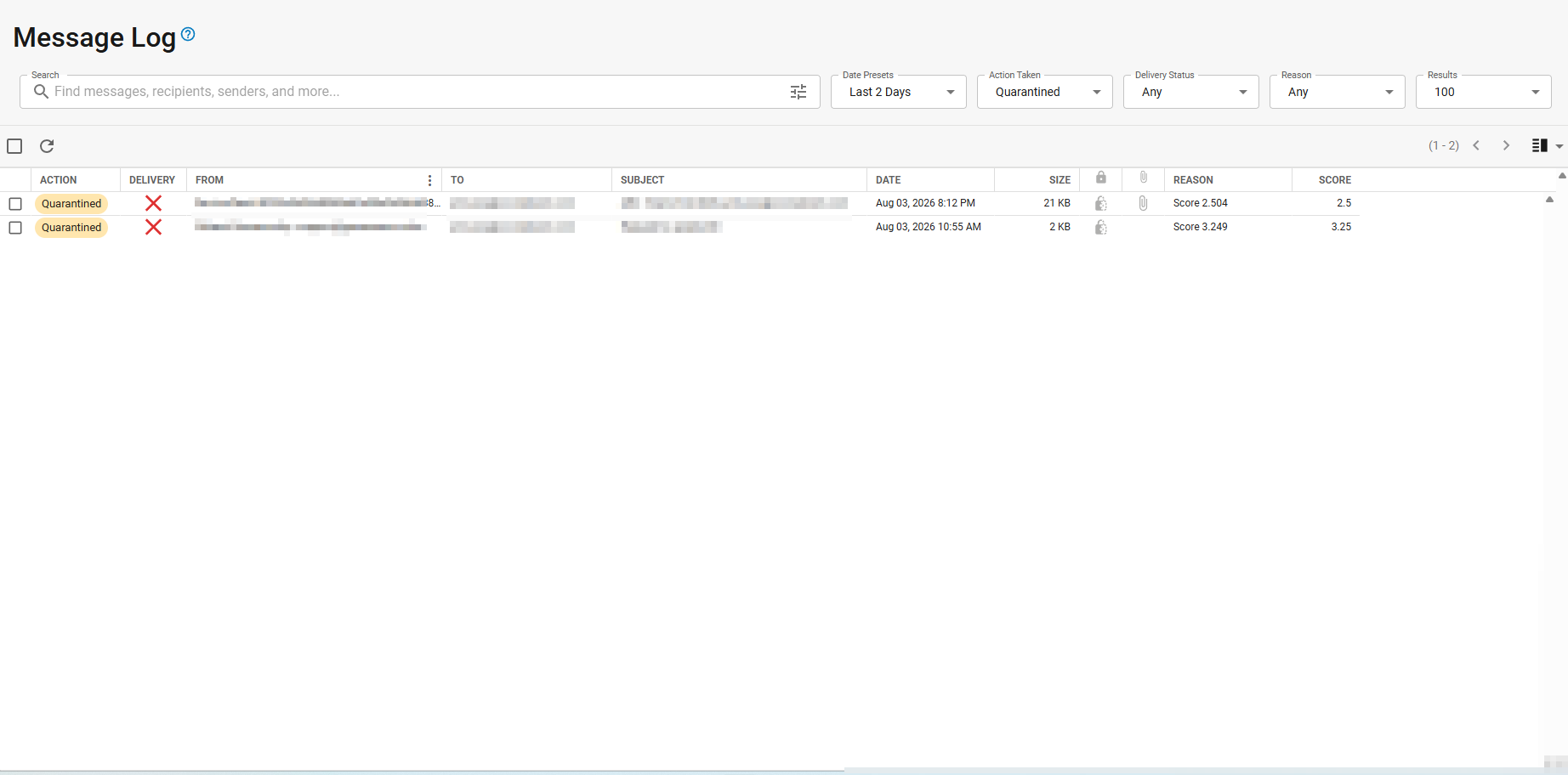
Once you find the quarantined email you are looking for you can select it and hit the deliver option.
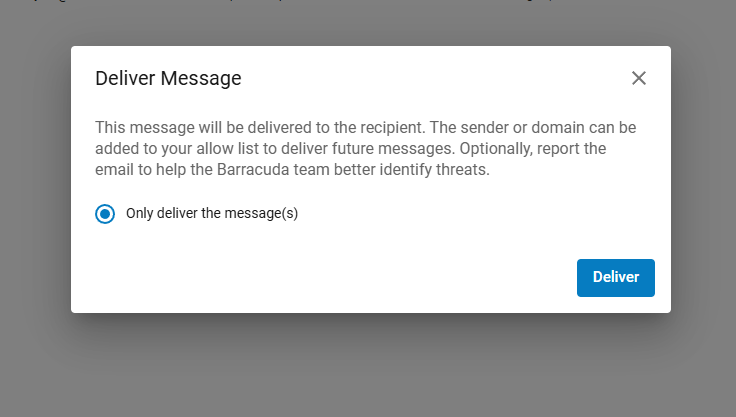
Once you do so this confirmation message will display
Once you hit deliver the message will hit you inbox and you will see another green confirmation box on the bottom left of your screen confirming the message was sent.
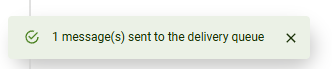
Once you see the green confirmation, the email should hit your inbox shortly after.
Of course if there are any questions please let us know by replying to this email or by emailing us at [email protected]

