

Installing MS Project

Last updated: Oct 02, 2026
1053
views

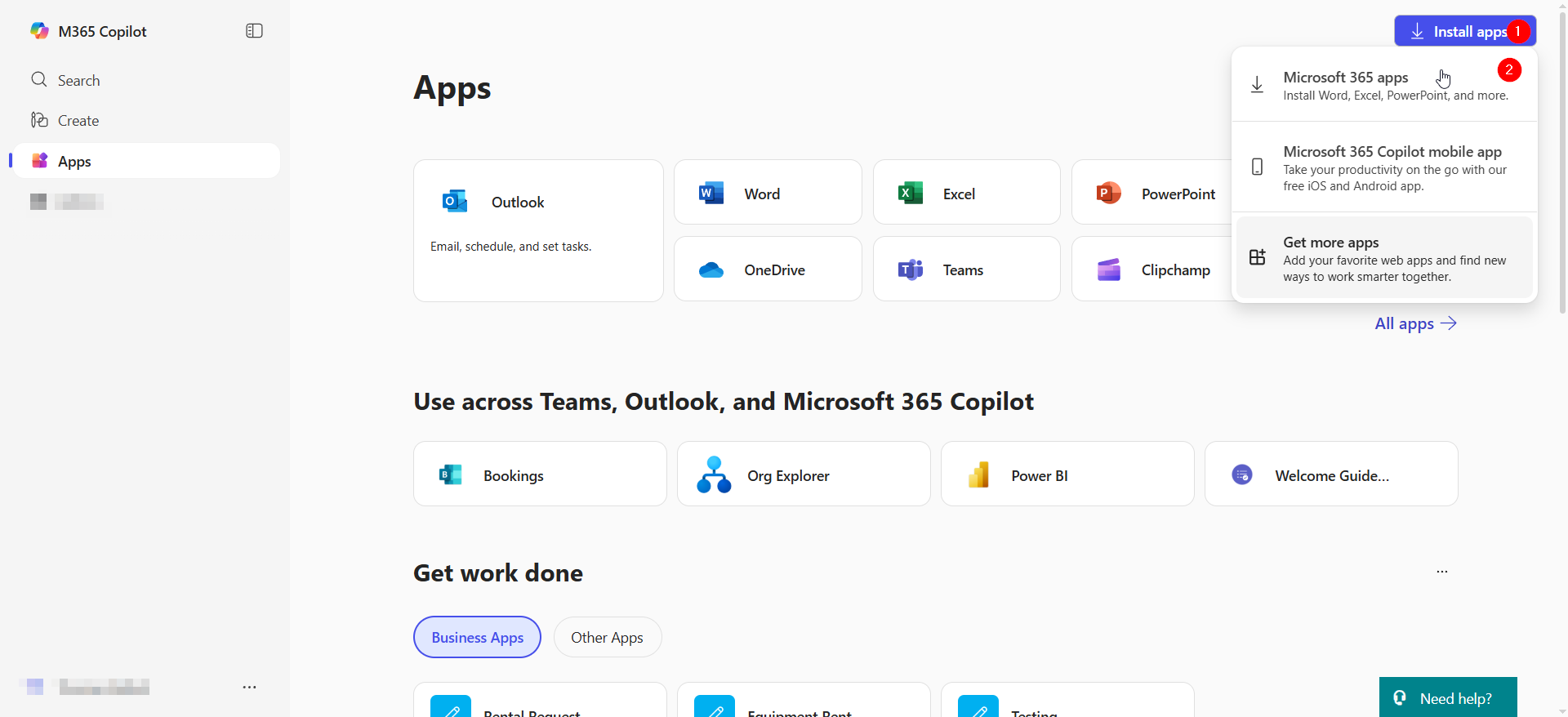
login to https://m365.cloud.microsoft/apps
Select "Install Apps"> "Microsoft 365 Apps"
At the next window select "View apps & devices"

Next, select the green "Install Project" button, this will begin the download.

Be sure to save the file as "OfficeSetup.exe"

Once the download finishes, run the Project installer by clicking the file.

An installation window will pop up. Once it is finished, Project will be installed.


