Suspending AppGate
Last updated: Oct 24, 2025
185
views

- In the bottom right corner of your screen, click the ^ to open your System Tray.
- Inside the tray, locate the AppGate icon:
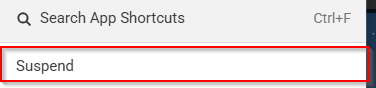
- Right click the icon and select “Suspend”:
-
-
Alternatively if you have AppGate open:
1. Click the 3 dots
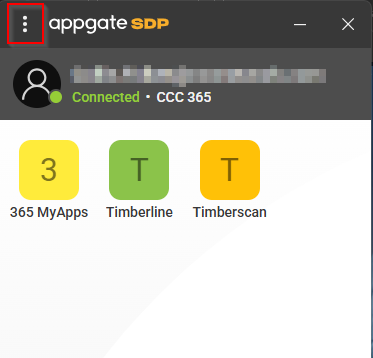
2. and click suspend